You can save a post using the Favorites feature.
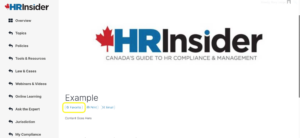
Every post on HR Insider has the option to "Favorite"
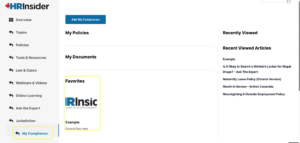
To access all your curated Favorites collection, go to My Compliance located on the side menu. Here you will find all your favorited items as well as your most recently viewed articles, downloads and policies.
Was this article helpful?
That’s Great!
Thank you for your feedback
Sorry! We couldn't be helpful
Thank you for your feedback
Feedback sent
We appreciate your effort and will try to fix the article