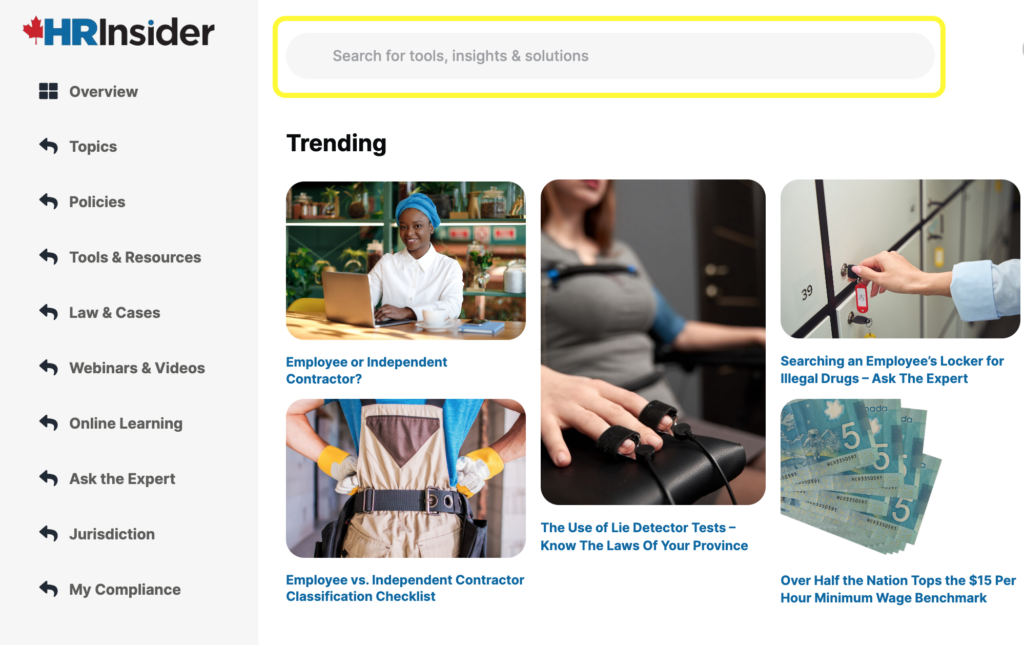
Searching on HR Insider is quite simple. Type in your keywords in the search bar located at the top of the screen.
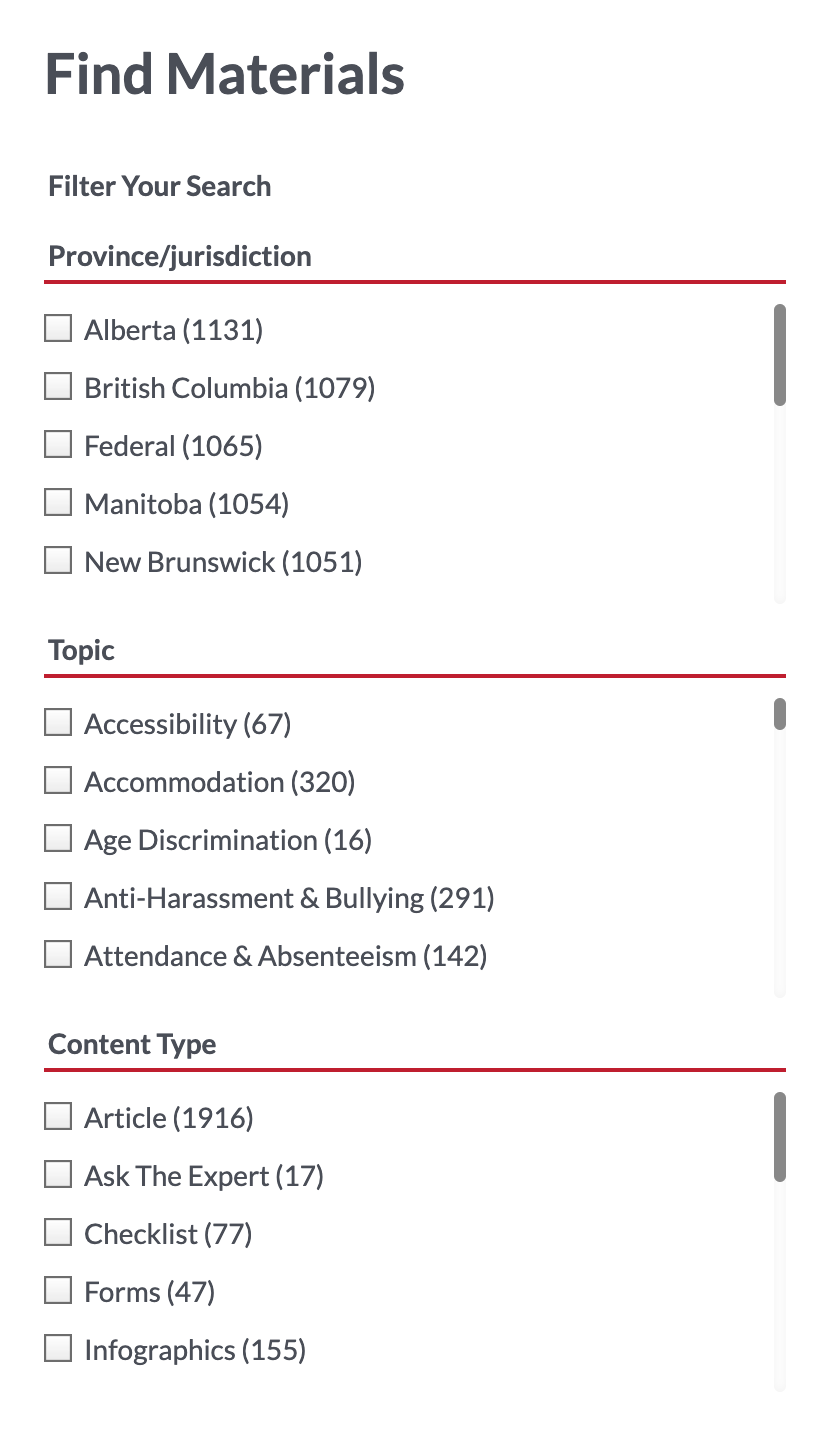
Your results will appear on the search page. To filter your search results even further, use the checkboxes on the left of the screen to choose a jurisdiction, topic or tool.
You can also find related content on every page you visit - these help you find similar content if you are looking for more than one thing.
If your search does not provide the results you are looking for, try another search term. If you are still having issues finding the resources you need, please contact our support team or submit a ticket.
Was this article helpful?
That’s Great!
Thank you for your feedback
Sorry! We couldn't be helpful
Thank you for your feedback
Feedback sent
We appreciate your effort and will try to fix the article